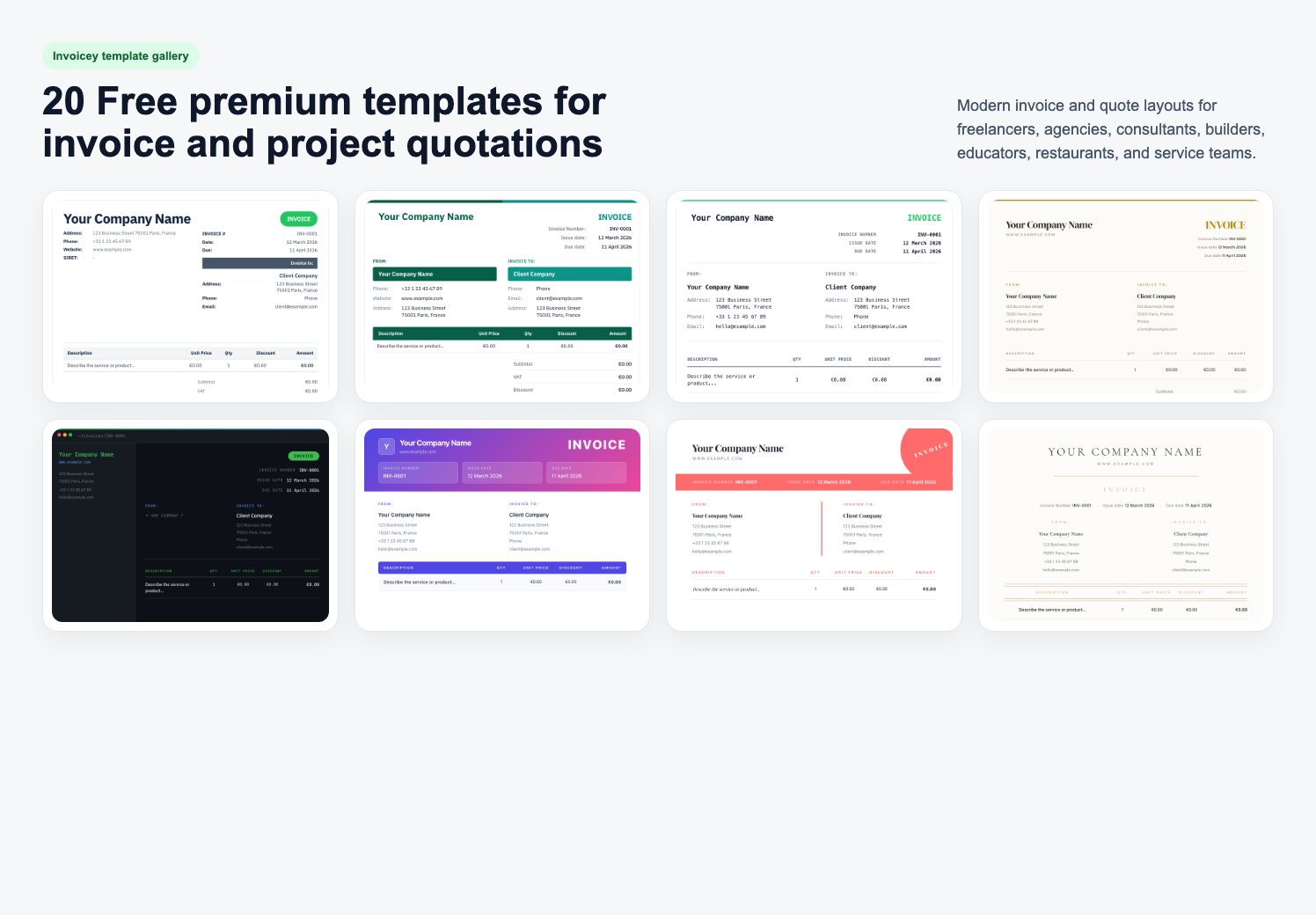
What Is a Simple Invoice Generator (No Signup)?
A simple invoice generator is a tool that turns your line items, tax, and client details into a clean, client-ready invoice—usually as a PDF—without forcing you through accounting jargon first. No signup means you can lay out the document, see the preview, and often download or share it before you create an account. That matters when you are on a client call, on mobile, or just testing whether the layout works for your business. A simple invoice generator is not the same as a full accounting suite. It will not replace your bookkeeper—but it should remove friction on the day you actually need to send the bill.
Why “No Signup First” Matters for Freelancers
Freelancers rarely batch invoices on a schedule. Invoices show up between meetings, after scope changes, or at 11 p.m. when the client finally approves the deliverable. In those moments, friction is expensive. Every extra field—company size, industry, credit card “just to try”—is a reason to fall back to a messy Word doc. A simple invoice generator with no signup respects that context: you get a usable document first, then decide whether you want cloud storage, reminders, or multi-currency features later.
What to Look for Before You Trust a Generator
Not every “free, no login” tool is safe or compliant. Use this quick checklist:
- Preview Before Commit: You should see the full layout before any paywall.
- Clear Totals: Subtotal, tax lines, and grand total should be obvious—no surprise fees at export.
- Honest Data Use: If the product later asks you to register, it should say what is stored and where.
- PDF You Can Send As-Is: The file should look professional in email and on phones.
If a site forces an account before you can even type a line item, it is not really a no-signup invoice generator—it is a lead form wearing a template.
How to Create an Invoice in Under Two Minutes
Speed comes from structure, not from shortcuts that hide tax or client details. A sane flow looks like this:
- Add Your Business Details Once: Name, address, tax or VAT ID if you have one.
- Add the Client: Who is paying, and where the invoice should be addressed.
- Line Items: Description, quantity, rate; let the tool calculate totals.
- Payment Terms: Due date, late fee policy if you use one, and how to pay.
- Preview and Send: Export PDF or share a link, depending on the product.
That is the same workflow whether you use Word or a modern generator—the difference is the generator does the math, the layout, and the repeatability for you.
Invoicey: A Simple Invoice Generator Without Signup Friction
Invoicey is built for people who invoice clients, not for people who want to learn enterprise billing on a Sunday night. You can start from a clean template, fill in the basics, and produce a document that looks like you meant it—before you ever create an account. When you are ready for more—recurring invoices, reminders, multi-currency, or VAT logic—you can move into the full workspace without rebuilding your data from scratch. If you want to try the flow now, open the free invoice generator and build your first draft in one sitting.
When You Might Want an Account Later
No-signup flows are best for first contact. An account becomes useful when you need history: chasing late payers, reusing client profiles, or aligning with your accountant’s workflow. Treat the first PDF as proof the tool fits your style. Treat the account as the moment you are ready to run your business on it—not the price of seeing a preview.
FAQ: Simple Invoice Generator, No Signup
Is a free invoice generator without signup legal?
Yes—if the output includes the information tax authorities expect for your situation (seller and buyer details, invoice date, totals, tax breakdown where applicable). The generator is a tool; compliance is still your responsibility.
Can I send the PDF straight to my client?
Yes. Most clients expect a PDF attachment or a secure link. The important part is that totals and payment instructions are clear.
What if I need quotes or estimates first?
Use the same discipline: scope, price, validity date, then convert to an invoice when the client accepts. Many teams mirror their quote layout to their invoice layout so the client sees one consistent story.
Start with a Simple Invoice Today
You do not need another complex app to send a clear bill. You need a simple invoice generator that gets out of the way, lets you preview fast, and respects your time—no signup required to see something real. Generate your first invoice with Invoicey—keep it simple, keep it professional, send it today.
#simple invoice generator no signup#free invoice generator#invoice PDF#freelance invoicing#no signup
Share this article